AI video generators have quickly evolved from making simple text-to-video clips into more advanced creative tools. Today’s models can use images as references, follow instructions about camera movement, create audio, keep characters or objects consistent between scenes, and modify videos through written commands.
Gemini Omni Flash, Kling 3.0, and Seedance 2.5 are three examples of this newer generation of AI video technology.
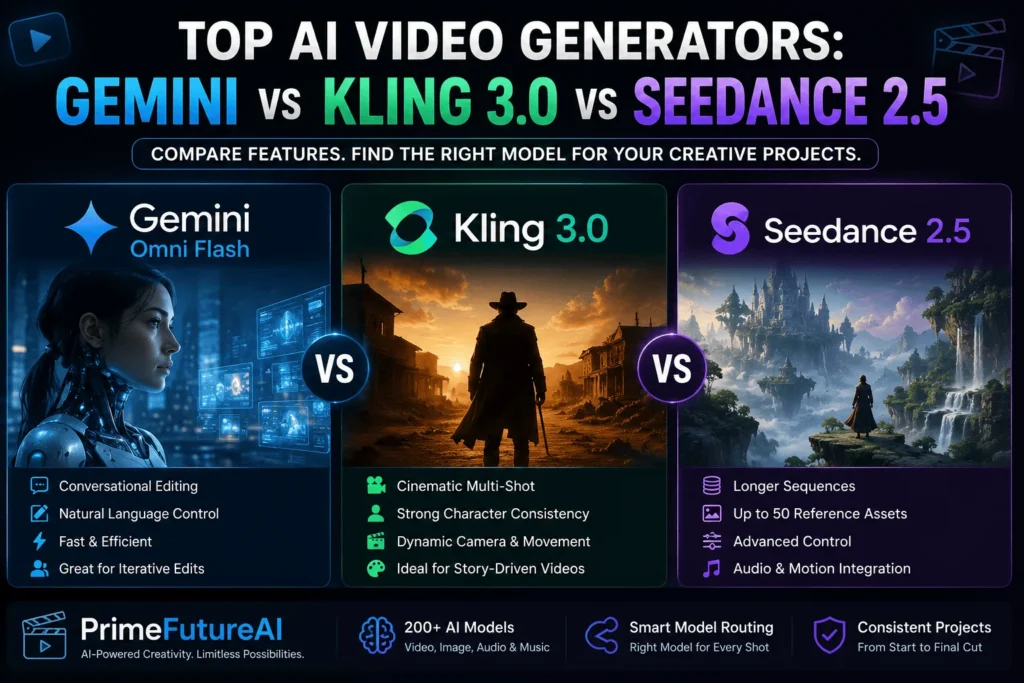
While they offer some similar features, each model is designed with a different workflow in mind. Gemini Omni Flash focuses on understanding different types of input and allowing users to make edits through conversation. Kling 3.0 is more focused on cinematic scenes, consistent characters, multiple shots, and built-in sound. Seedance 2.5 is aimed at longer video narratives, handling several reference materials, and giving creators more detailed control over specific parts of a scene.
Choosing the right generator depends on your project requirements, the level of control you need, and the way you prefer to create and edit videos.
Gemini Omni Flash vs. Kling 3.0 vs. Seedance 2.5: Quick Comparison
| Feature | Gemini Omni Flash | Kling 3.0 | Seedance 2.5 |
|---|---|---|---|
| Key advantage | Easy creation and chat-based editing | Cinematic videos with multiple shots | Longer stories using several references |
| Text-to-video | Supported | Supported | Supported |
| Image-to-video | Supported | Supported | Supported |
| Built-in audio | Yes | Yes | Yes |
| Multi-scene creation | Prompt-based | Advanced multi-shot tools | Supports extended story sequences |
| Reference options | Uses multiple images | Supports images, elements, and video | Can work with up to 50 mixed references |
| Editing style | Edit through natural-language instructions | Mainly focused on generation controls | Supports timestamp and reference-based edits |
| Maximum clip length | Around 10 seconds in current examples | Up to 15 seconds | Up to 30 seconds |
| Ideal for | Repeated creative changes | Cinematic scenes and dialogue | Ads, films, and longer video projects |
The main difference between these generators goes beyond how good their videos look. Their real distinction is the amount and type of creative control they provide throughout the generation and editing process.
Why Is Gemini Omni Flash Different?
Gemini Omni Flash stands out because it lets users work with video through an ongoing conversation instead of treating every generation as a separate task.
The model can understand different types of content, including text, images, audio, and video, while also producing videos with sound. One of its useful features is conversational editing through the Interactions API. This means you can create a video, review the result, and then tell the model what needs to change without having to restart the entire process.
For example, you can ask it to adjust the lighting, remove an unwanted item, change the background, or modify one specific detail while leaving the rest of the scene as it is. Simple and direct instructions can make these edits easier to manage. This makes the model particularly useful for projects that require several rounds of creative improvements.
Another advantage is its ability to use broader knowledge when handling prompts involving real-world objects, locations, physical actions, cultural details, and relationships between things. Its combination of multimodal processing and general knowledge can help it understand more complex creative instructions.
However, Gemini Omni Flash also has some limitations. Its current API does not offer video extension or first-to-last-frame interpolation. It also does not currently accept uploaded audio as a reference, while video-editing availability may vary by region.
Best for: Creators and production teams who want to generate, review, adjust, and refine videos through an ongoing conversational workflow.
What Makes Kling 3.0 Stand Out?
Kling 3.0 is a good choice for creators who want to build cinematic scenes containing multiple shots without generating each part separately.
Its multi-shot feature can organize a scene by deciding how shots should be framed, when scenes should change, and how the camera should move based on the user’s instructions. Creators can also manage the timing of individual shots for greater control over the final sequence.
This approach works especially well for conversations, alternating camera views, short stories, and scenes that require several perspectives. Instead of producing every camera angle individually, users can create a connected sequence within one generation.
Another useful feature is improved consistency for characters and objects. Reference images can help important subjects maintain a similar appearance even when the setting or camera position changes. The model can also handle multiple characters within the same scene, making it more practical for group conversations and story-based videos.
Kling 3.0 generates audio along with the video and supports dialogue in languages such as English, Chinese, Japanese, Korean, and Spanish. Its audio system can associate different voices with specific characters, which helps make conversations between multiple people easier to follow.
A single generation can reach around 15 seconds, giving creators enough duration to develop compact cinematic moments while keeping the focus on short, structured scenes.
Best for: Dialogue-heavy content, cinematic sequences, character-focused stories, and creators who want to manage multiple shots within a single generation.
Why Is Seedance 2.5 Different?
Seedance 2.5 takes AI video creation toward more detailed and extended storytelling. Instead of focusing mainly on short clips, it gives creators more room to build connected scenes within a single generation.
The model can produce videos of up to 30 seconds in one pass. This extra duration can be used to create a sequence with multiple connected moments, allowing a story to develop from its opening through the main action and into a conclusion rather than repeating one continuous movement.
Creators can also extend an existing video through multiple rounds while maintaining important elements such as characters, locations, pacing, and the overall visual style. Another major advantage is its ability to work with a large number of reference materials.
A single request can include different types of references, such as images, video clips, and audio. These materials can help define characters, objects, locations, movement, composition, voices, and other creative details. This is particularly useful when a project contains several recurring elements that would be difficult to describe accurately through text alone.
Seedance 2.5 also offers more detailed editing capabilities. Creators can provide instructions for specific moments within a video and make targeted changes to characters, actions, camera views, or other elements without having to completely recreate the original concept.
As of August 2026, BytePlus ModelArk provides Seedance 2.5 with 480p, 720p, and 1080p output choices through its video-generation API.
Best for: Longer videos, detailed storytelling, complex advertisements, projects with multiple characters, and creative work that needs strong control over references, timing, and scene continuity.
Which AI Generator Handles Character and Scene Consistency Best?
There is no single generator that wins in every situation because Gemini Omni Flash, Kling 3.0, and Seedance 2.5 handle consistency in different ways.
Kling 3.0 is useful when you need the same character, product, or object to remain recognizable across several camera angles within a short multi-shot video. Its reference features give creators more control over important visual elements.
Seedance 2.5 is better suited to projects that require many different references. It can work with a large collection of images, videos, and audio, making it helpful for scenes that include multiple characters, locations, props, movements, or other detailed requirements.
Gemini Omni Flash follows a different workflow. Instead of relying mainly on a large set of references, it allows creators to continue a conversation about the video and make changes step by step. This can make repeated editing easier because the creator does not need to explain the entire concept again after every adjustment.
For larger productions, consistency involves more than choosing the right video model. Scripts, characters, locations, visual rules, and other project details also need to remain organized when different shots or generators are used.
This is where broader AI video platforms such as invideo agent can be useful. They can manage project information across the production and use different generation models for different types of scenes. This allows creators to select a model based on the needs of each shot instead of depending on one model for the entire project.
For example, one model may work better for dialogue, another may be more suitable for longer continuous scenes, while a third may be more convenient for videos that require frequent conversational edits.
How Invideo Agent Unites Multiple AI Video Generators
Picking an AI video model is no longer just about choosing the most powerful option. Different types of content often require different capabilities. A dialogue scene, a promotional video, and an extended story may each benefit from a different generation model.
An agent-based system can make this process easier. Invideo Agent is designed to support the full video-making process, from developing an idea and organizing the project to generating scenes and making edits. Instead of acting like a basic text-to-video tool, it works more like a virtual production partner that helps maintain the creator’s overall direction.
A key feature is access to more than 200 AI models in one workflow. This includes models for video, images, audio, and music, with options such as VEO, Sora, Kling, and Nano Banana. The system can help select different generators for different shots based on what each part of the project requires.
This flexibility is useful because every scene can have its own challenges. One shot might need natural character movement, while another may depend on a particular artistic look, reference image, or consistent audio. Using different models allows creators to choose the right tool for each task without losing the connection between scenes.
Consistency becomes even more important when working on larger productions. Invideo Agent can retain project information across scenes and episodes, helping keep characters, products, settings, and visual direction consistent. Maintaining this shared context can reduce the problem of individual AI-generated clips feeling disconnected from the overall project.
Creators can also organize specialized roles within a workflow, such as casting, cinematography, or assistant-directing tasks. These different AI roles can work together within the same project, creating a process that feels more like coordinating a virtual production team than repeatedly entering separate prompts.
For filmmakers, brands, and creative professionals comparing Gemini Omni Flash, Kling 3.0, and Seedance 2.5, this approach offers a broader way to think about AI video production. Instead of asking which model is best overall, creators can choose the most suitable model for each stage or scene while keeping the entire project aligned from the first idea to the final edit.
Final Verdict
Gemini Omni Flash, Kling 3.0, and Seedance 2.5 all offer different advantages for creating AI videos. Gemini Omni Flash is a strong option for interactive creation and ongoing edits, Kling 3.0 is well suited to cinematic scenes with multiple shots, while Seedance 2.5 is designed for longer videos and projects that need many references.
But choosing just one AI model may not always be the best approach. Different scenes can have different creative requirements, so using a combination of tools can provide better results.
Invideo Agent makes this possible by bringing more than 200 AI models for video, images, audio, and music into one workflow. It includes options such as VEO, Sora, Kling, and Nano Banana, while allowing creators to select different models for individual shots based on the needs of each scene.
The direction of AI filmmaking is likely to move toward flexible workflows rather than one universal model. Instead of searching for a single tool that does everything, creators can combine specialized models while using a connected system to maintain the overall vision and consistency of the project.
Frequently Asked Questions
1. Which AI video generator is best overall?
There is no single best option for every project. Gemini Omni Flash, Kling 3.0, and Seedance 2.5 each have different strengths for editing, cinematic scenes, and longer storytelling.
2. Is Gemini Omni Flash good for video editing?
Yes. It is well suited to conversational editing, allowing creators to make changes through natural-language instructions.
3. What is Kling 3.0 best used for?
Kling 3.0 is a strong choice for cinematic multi-shot scenes, dialogue, character consistency, and controlled camera movements.
4. Why choose Seedance 2.5?
Seedance 2.5 is useful for longer sequences, complex storytelling, multiple reference assets, and detailed control over scenes.
5. Which model is best for character consistency?
Kling 3.0 is effective for keeping characters consistent across short multi-shot scenes, while Seedance 2.5 is better suited to projects that require many reference materials.
6. Can I use multiple AI video generators for one project?
Yes. Combining different models can help creators use the strongest features of each tool for different scenes or production requirements.
7. What is Invideo Agent used for?
Invideo Agent helps creators manage video production using multiple AI models within one connected workflow, from planning and generation to editing.
8. How should I choose between Gemini, Kling, and Seedance?
Consider your project first. Choose Gemini for conversational editing, Kling for cinematic multi-shot work, and Seedance for longer, reference-heavy video projects.